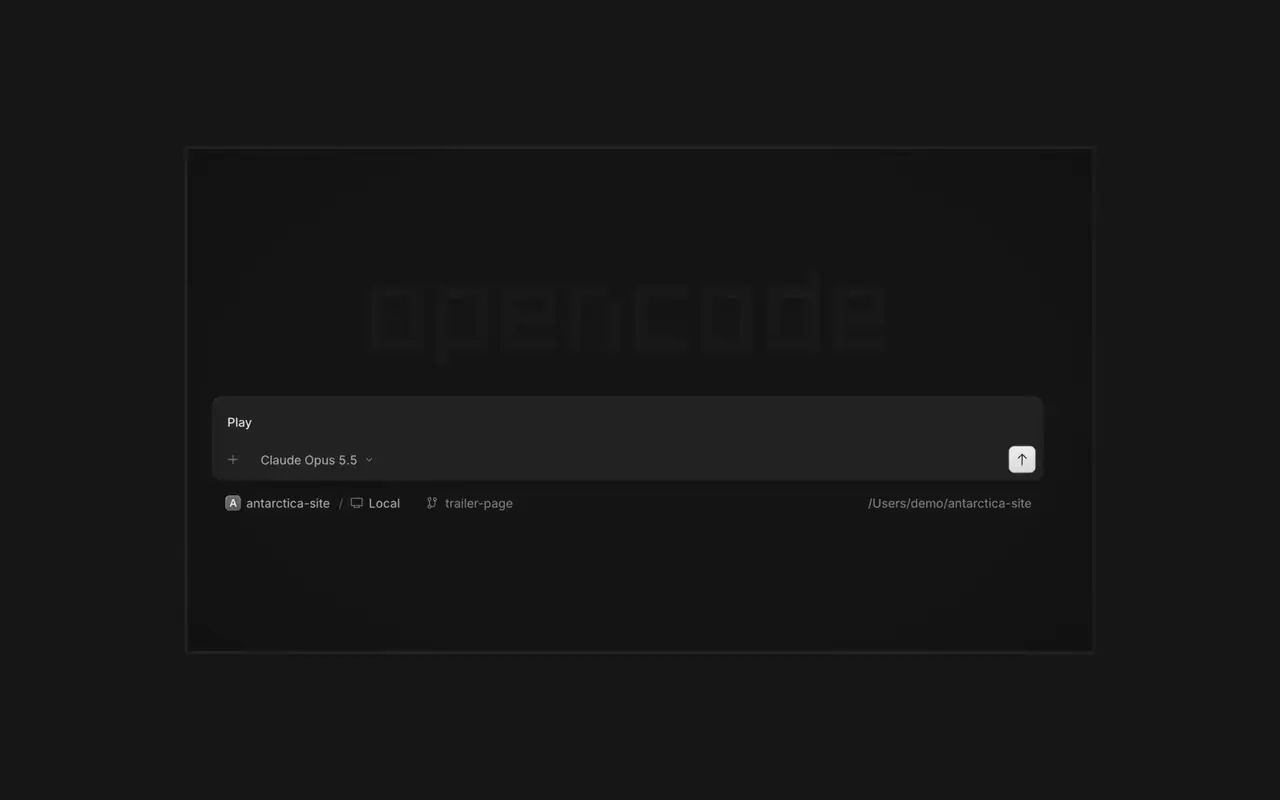

並列エージェント
エージェントを好きなだけ起動して、すべて並列で作業させられます。終わったものから切り替えて確認できます。
エージェントを好きなだけ起動して、すべて並列で作業させられます。終わったものから切り替えて確認できます。

アプリがエージェントの横のブラウザで開くので、あなたとエージェントの両方がすべての変更をその場で確認できます。

すべてのデバイスでエージェントを起動し、デスクトップアプリ、ターミナル、スマートフォンから続きを再開できます。
ツールやサービスを接続すれば、エージェントはどんなものでも扱えます。OpenCodeに自分用のプラグインを作らせ、サイドバーに専用のUIを表示することもできます。
On phones and tablets, composer actions now sit in a touch dock above the keyboard with larger buttons.#61773
v2.2.6 のハイライトをすべて見るPress ⌘⌥O on macOS or Ctrl+Alt+O on Windows and Linux to choose a worktree, and ⌘⌥B or Ctrl+Alt+B to choose its base branch. ⌘⇧X or Ctrl+Shift+X now toggles shell mode in the composer.#60713
Hold ⌘ or Ctrl in the quote popup to turn its checkmark into send, or press ⌘Enter or Ctrl+Enter, to send just that quote and comment while leaving the rest of the composer untouched.#60640
Desktop terminals now belong to the session, survive server restarts with their scrollback, and stay synchronized with the TUI and other windows. Renamed terminals also keep their names across restarts.#60346
Select Claude Agent from the provider picker to copy claude auth login, install Claude Code, and verify the connection before continuing to model selection.#60603
While creating a worktree, open Choose base branch with ⌘⌥. on macOS or Ctrl+Alt+. on Windows and Linux. The command is also available in the command palette and Settings › Shortcuts.#60579