Spring til indhold

Desktop

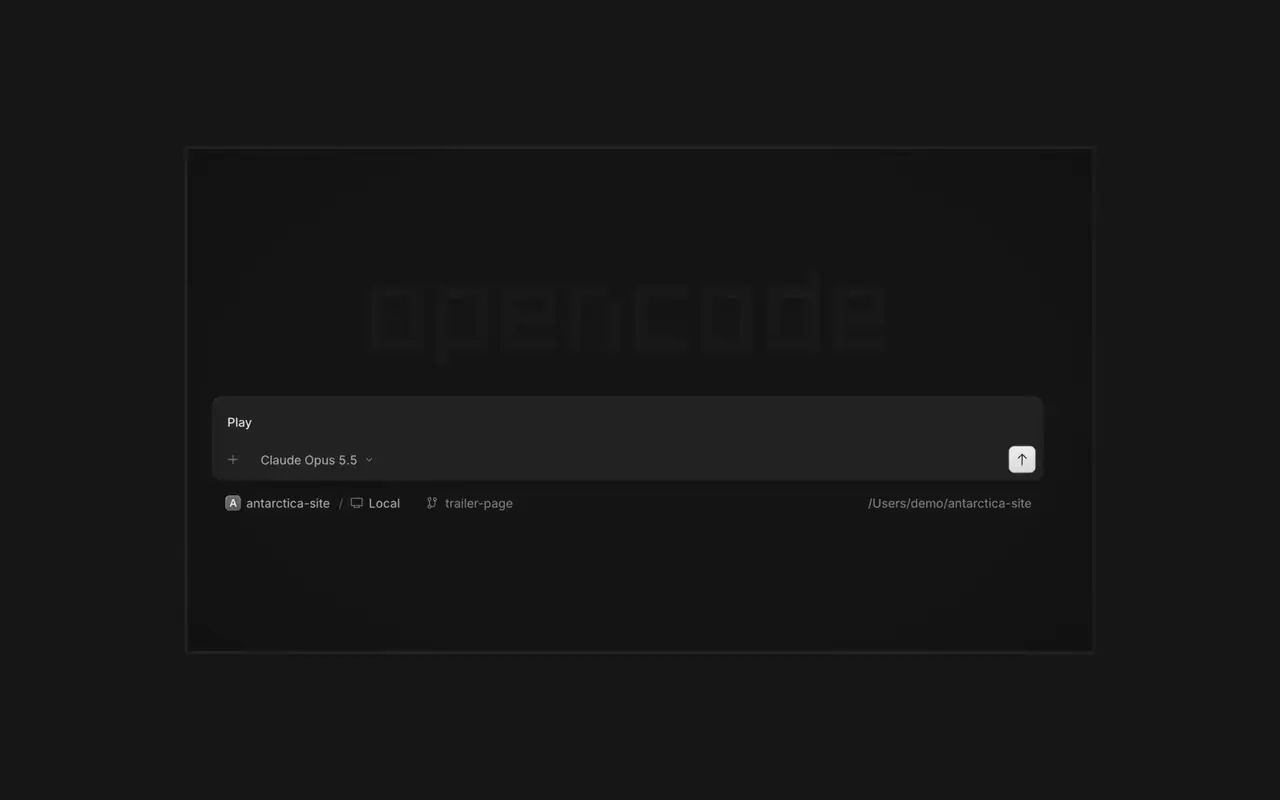
Kør flere agenter på én gang, hver session i sin egen fane. Gennemgå hver ændring som et diff, kommenter enhver linje, og tjek resultatet i den indbyggede browser. Til macOS, Windows og Linux.

Funktioner

Parallelle agenter

Start så mange agenter, du vil, og lad dem alle arbejde parallelt. Skift mellem dem, efterhånden som de bliver færdige.

Se det i browseren

Din app åbner i en browser ved siden af agenten, så I begge ser hver ændring lande.

På alle enheder

Start agenter på alle dine enheder, og fortsæt i desktop-appen, terminalen eller på din telefon.

Udvid den

Forbind dine værktøjer og tjenester, så agenten kan arbejde med alt. Eller lad OpenCode bygge plugins til sig selv med deres egen brugerflade i sidepanelet.

Changelog

  1. v2.2.6

    Mobile Composer Dock

    On phones and tablets, composer actions now sit in a touch dock above the keyboard with larger buttons.#61773

    Se alle højdepunkter i v2.2.6

    Forbedringer

    • DesktopAdded close-other-tabs and close-tabs-after actions to the tab menu.#61631
    • DesktopAdded unread-session grouping in Inbox and failed-run indicators on tabs.#61691#62077
    • DesktopMCP sign-in now accepts a pasted redirect URL when automatic redirection is unavailable.#61706
    • DesktopMarkdown file previews now display frontmatter as a properties list.#60333
    2 mere forbedringer

    Rettelser

    • DesktopImproved prompt submission and timeline behavior during loading, reconnects, retries, scrolling, compaction, and optimistic delivery.#62025#62037#61932#62151
    • DesktopSurface loading and offline failures in review previews, file search, details, Word pages, and review diffs instead of showing empty or clean results.#62114#61862
    • DesktopFixed provider connection, MCP sign-in, settings, and plugin loading flows that could become stuck after failures.#62102#61917#61580
    • DesktopPreserve drafts, focus, caret position, queued prompts, and selected terminal tabs across failed or concurrent transitions.#61579#61969#61852
    6 mere rettelser
  2. v2.2.5

    Worktree and Shell Mode Shortcuts

    Press ⌘⌥O on macOS or Ctrl+Alt+O on Windows and Linux to choose a worktree, and ⌘⌥B or Ctrl+Alt+B to choose its base branch. ⌘⇧X or Ctrl+Shift+X now toggles shell mode in the composer.#60713

    Send Quotes From the Comment Popup

    Hold ⌘ or Ctrl in the quote popup to turn its checkmark into send, or press ⌘Enter or Ctrl+Enter, to send just that quote and comment while leaving the rest of the composer untouched.#60640

    Se alle højdepunkter i v2.2.5

    Forbedringer

    • DesktopAdded flat input surfaces and a compact input size.#60598

    Rettelser

    • Terminal, DesktopThe connect menu no longer lists MCP servers, which are managed in their own place.#60675
    • DesktopAdded the missing top inset to the search field in the recently closed menu.#60652
  3. v2.2.4

    Persistent Desktop Terminals

    Desktop terminals now belong to the session, survive server restarts with their scrollback, and stay synchronized with the TUI and other windows. Renamed terminals also keep their names across restarts.#60346

    Guided Claude Agent Setup

    Select Claude Agent from the provider picker to copy claude auth login, install Claude Code, and verify the connection before continuing to model selection.#60603

    Choose a Base Branch Quickly

    While creating a worktree, open Choose base branch with ⌘⌥. on macOS or Ctrl+Alt+. on Windows and Linux. The command is also available in the command palette and Settings › Shortcuts.#60579


    Se alle højdepunkter i v2.2.4

    Forbedringer

    • DesktopSimplified the session location popover and made long paths easier to read.#60492

    Rettelser

    • DesktopKept terminal tab clicks and rename fields attached to the intended tab.#60645
    • DesktopListed matching commands before sessions in command-palette search.#60616
    • DesktopRestored copying user messages from an open actions menu.#60576
    • DesktopReduced repeated work and allocations while streaming Markdown, especially in long sessions.#60549#60562#60577
Se alle opdateringer